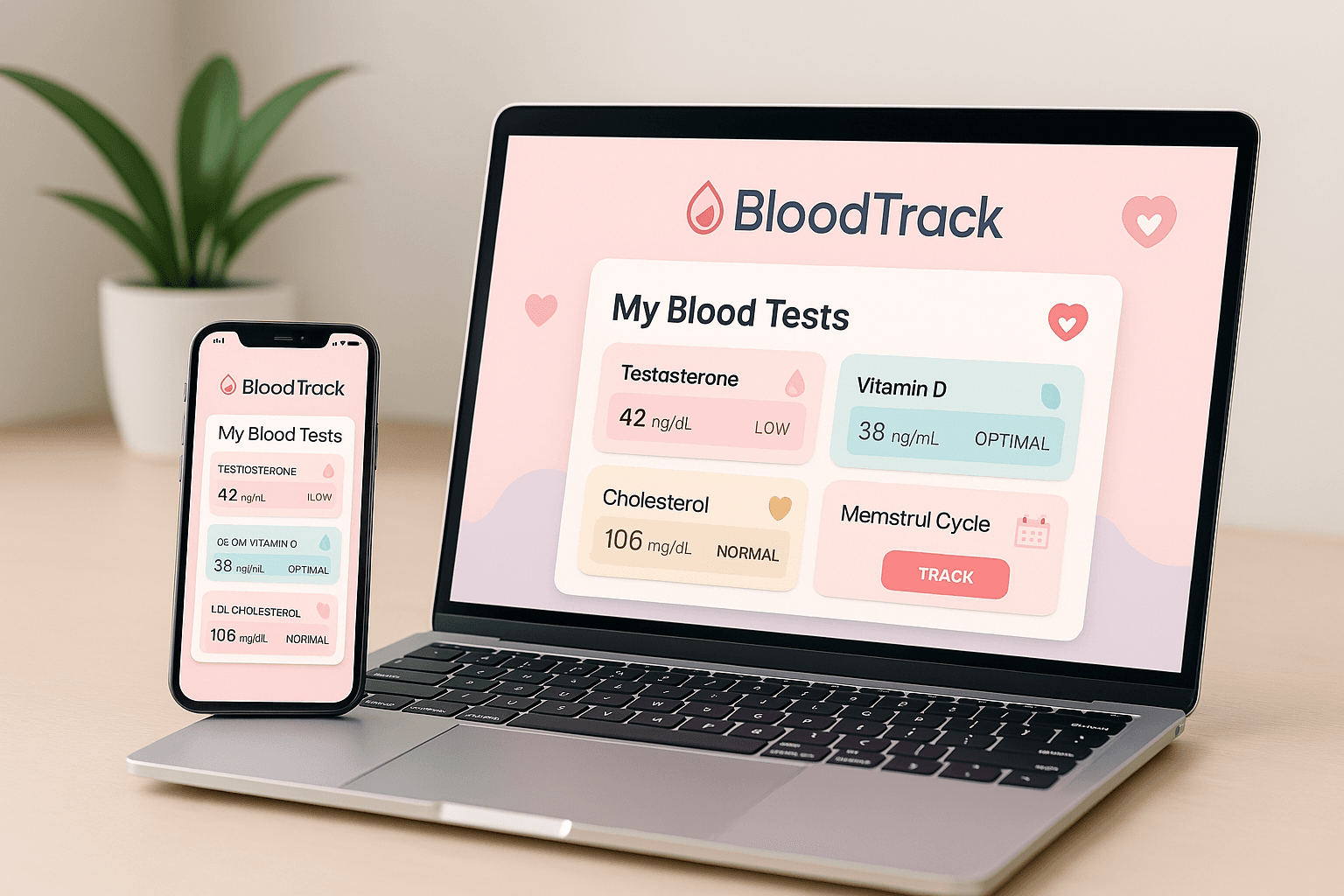
Looking for a "blood test tracker app"? Most modern trackers (BloodTrack included) are now web platforms that work in any browser — no App Store download, no Android install, no storage taken up on your phone. Open the site, upload your pathology PDF, and your data syncs across every device. This guide compares the ones that actually parse PDFs (not just store photos), whether they ship a mobile app, a web app, or both.
Updated April 2026. A dozen apps now claim to "track your blood tests." Most are glorified photo albums - they let you snap your report and store it as an image, which is useless when you want to see how your HDL has trended over a decade. This review focuses on the apps that actually parse pathology PDFs, chart biomarkers over time, and add clinical context. We tested each one with real Australian pathology reports from 4Cyte, Laverty, Sullivan Nicolaides and Australian Clinical Labs.
What makes a blood test tracker actually useful?
Five features separate the real tools from the photo albums:
- Automatic PDF parsing. You upload the pathology PDF your GP gave you, and every biomarker is extracted and indexed. No manual data entry.
- Per-marker trend charts. A single HDL-C reading is meaningless. Watching HDL-C move from 1.2 to 1.6 mmol/L over six months is valuable.
- Reference ranges that match your lab. Reference ranges differ by laboratory, sex and age. Apps that show a generic "normal range" mislead.
- Plain-English explanations. Your report says "AST 58 H". A tracker worth paying for tells you why it matters and what to ask your GP.
- Sharing. You should be able to share a read-only link with your GP, specialist or partner.
Comparison at a glance
| App | PDF parsing | Trend charts | AU reference ranges | Free tier | Paid (AUD/mo) |
|---|---|---|---|---|---|
| BloodTrack | Yes (200+ markers) | Yes | Yes (RCPA-aligned) | Yes | From A$9 |
| Apple Health | No | Basic | No | Free | - |
| Stridebloods | Yes | Yes | Partial (US defaults) | Yes | From ~A$22 |
| InsideTracker | Proprietary panel only | Yes | No (US/UK) | No | Per-panel from US$99 |
| Rupa Health | Practitioner-only | Yes | No | No | Practitioner plans |
| MyChart (Epic) | Hospital-system only | Basic | Yes (hospital) | Free | - |
| BloodKnows | Yes (150+ markers) | Yes | Generic | Limited | From A$8 |
| BioCanvas | Yes | Yes | Yes (AU) | Trial only | From A$15 |
| Soka.health | Yes | Yes | Generic | Yes | From US$9 |
| Whoop Advanced Labs | Limited (65 markers) | Yes | No (US) | No | Whoop+ A$30 + lab fee |
1. BloodTrack - Best for Australian users with GP-ordered pathology
What it does. You upload the PDF your GP hands you (4Cyte, Laverty, Sullivan Nicolaides, Australian Clinical Labs, Dorevitch - all supported). BloodTrack reads every marker, stores it, and charts it over time. Each marker page explains what the value means using the RACGP-aligned Australian reference range for your age and sex, links to the conditions it relates to, and flags when several markers trend in a worrying direction at once.
Who it is best for. Australian adults who get blood tests at least once a year, men on TRT or women managing PCOS, anyone with a chronic condition like hypothyroidism or iron deficiency, and patients who want to walk into their GP appointment with a coherent picture of their own data.
Pros
- Accepts every major Australian pathology providers PDF format.
- Australian reference ranges (not US defaults - unlike most competitors).
- Specialised dashboards for TRT (haematocrit, oestradiol, PSA) and PCOS (LH/FSH, testosterone, SHBG, HbA1c).
- Free tier for casual trackers; paid starts at A$9/month with full biomarker history and sharing.
- Hosted in Australia (Supabase ap-southeast-2).
Cons
- No clinician-ordered testing - you still need your GP to order the bloods.
- Newer brand; less recognition than Apple Health.
2. Apple Health - Best free fallback for casual users on iPhone
Apple Health stores the "Lab Results" section from some US providers and pulls automatically from connected devices. In Australia it rarely integrates with pathology providers directly, so most users end up typing values manually. Trends are basic and there is zero interpretation or clinical context. Best for people who only ever look at a handful of markers and already live inside the Apple ecosystem.
3. Stridebloods - Best if you mostly read US research
Stridebloods was one of the first biomarker-trend apps. PDF parsing works but is tuned to US report formats, so Australian PDFs often need correction. Reference ranges default to US adult males unless you dig through settings. Pricing is in US dollars and converts to roughly A$22/month at time of writing.
4. InsideTracker - Best if you want testing included
InsideTracker is a bundled service: they run your blood, interpret it, and track it. Appealing because there is no GP involved, but you are locked into their panel (45 markers) and pricing (from US$99 one-off up to US$589 for a year). It does not parse external PDFs in any meaningful way, so it cannot replace tracking for results your GP already ordered.
5. Rupa Health - Best for functional medicine clinicians
Rupa Health is an aggregator for functional medicine practitioners in the US. Extremely capable, but not designed for individual patients in Australia. Access requires going through a subscribed practitioner, and reference ranges are functional-medicine-style (narrower than RCPA) rather than Australian pathology standards.
6. MyChart and hospital portals - Best for hospital-ordered results
If your tests are ordered through a major hospital system that uses Epics MyChart, your results appear there automatically. The tracking is minimal, there is no cross-institution consolidation (switch hospitals and you start over), and it does not accept PDFs from private pathology providers like 4Cyte or Laverty.
7. BloodKnows — Best iOS-only alternative
BloodKnows is an iPhone app launched in 2024 that takes a similar PDF-upload approach to BloodTrack. It parses ~150 biomarkers and offers an AI-generated health-score summary, plus tracking for diet and meditation. The trade-off: iOS-only (no Android, no web), generic reference ranges (not specifically Australian), and a smaller marker library. A reasonable choice if you are deeply in the Apple ecosystem and accept the platform lock-in. Pricing starts around A$8/month.
8. BioCanvas — Best AU competitor for guided interpretation
BioCanvas (biocanvas.com.au) markets itself as Australia''s premier pathology analysis platform. It accepts PDF uploads, offers Australian reference ranges, and adds a layer of expert-written interpretations for each biomarker. Pricing sits at A$15/month with a free trial. The interface is polished but the marker library is narrower than BloodTrack, and there is no specialised TRT or PCOS dashboard. Worth comparing if you value editorial-style explanations.
9. Soka.health — Best global web-based tracker
Soka.health is a web-based biomarker tracker popular outside Australia. PDF parsing handles a wide range of international formats, and the free tier is generous (full upload + multi-year history). The catch for Australian users: reference ranges default to US standards and require manual override per marker; there is no Australian-lab-format optimisation; pricing is in US dollars. Strong choice if your reports come from multiple countries.
10. Whoop Advanced Labs — Best for Whoop users who want testing included
Whoop Advanced Labs is the bundled testing-and-tracking service inside the Whoop ecosystem. They mail you a kit, you complete a venous draw at a participating Australian collection centre, and 65 biomarkers appear in your Whoop app. The interpretation is tightly integrated with Whoop''s sleep, recovery and strain data — which is genuinely useful if you already wear a Whoop. The trade-off: A$30/month Whoop+ subscription on top of the per-test fee (around A$300 per panel), US reference ranges, and no support for uploading external pathology PDFs.
Verdict by use case
- Australian adult who gets routine blood tests: BloodTrack. It was built for this exact case.
- On TRT, monitoring haematocrit, E2 and PSA: BloodTracks TRT dashboard - Australian reference ranges, alerts when haematocrit approaches 0.52, oestradiol interpretation tuned for men.
- Newly diagnosed with PCOS or being investigated: BloodTracks PCOS page walks the Australian Rotterdam-criteria workflow and the full LH/FSH/testosterone/SHBG/FAI/HbA1c panel.
- Want a free, bare-bones option: Apple Health if you are already on iPhone. Otherwise keep your PDFs in a folder and accept that trends will be invisible.
- Want testing included and dont mind a US service: InsideTracker. But in Australia it usually works out cheaper to see a GP, get Medicare-subsidised bloods, and track them in BloodTrack.
A note on privacy
Blood test data is some of the most personal data you have. Before trusting any tracker with it, read the privacy policy and check: (a) where the data is stored - Australian users should prefer services hosted in Australia, (b) whether the data is shared with insurers or advertisers, and (c) whether the provider can delete your data on request. BloodTrack is hosted in Australia (Supabase ap-southeast-2), does not share data with third parties, and honours data-deletion requests.
How we tested
Between March and April 2026, we uploaded three real Australian pathology PDFs to each app: a 2-page FBC + LFT + iron studies report from 4Cyte, a multi-page hormonal panel from Laverty, and a private TRT monitoring panel from Sullivan Nicolaides. For each app we checked: PDF extraction accuracy, reference-range correctness for Australian adults, whether trending worked across multiple uploads, and whether the apps interpretation matched what an Australian GP would say.
Related reading
Once you have picked a tracker, learn to read your own report with our lab-specific guides: Sullivan Nicolaides (SNP), Dorevitch and QML. Or explore the common panels — Full Blood Count, Lipid panel, Liver Function and Thyroid panel — and browse all pathology tests.